01
Home Assistant setup
Installation, cleanup or audit of Home Assistant, Docker/Ubuntu and secure remote service access.
See detailsI build and configure Home Assistant systems for clients in any country: dashboards, Deye and Modbus integrations, solar forecasting, EV charging, boiler control and custom automations. Remote work is performed with your permission through Tailscale.
A practical Home Assistant demo: energy flows, dashboards, solar surplus and automation logic.
Use the ANMA platform free of charge to search solar and energy equipment, review technical data and build your own station visually before installation.
Practical engineering work for real Home Assistant and energy systems.
Installation, cleanup or audit of Home Assistant, Docker/Ubuntu and secure remote service access.
See detailsRead telemetry and registers from compatible equipment via Modbus RTU/TCP, RS-232, RS-485, CAN, MQTT or local APIs when the manufacturer exposes usable data.
See detailsClear mobile and desktop views for inverter, battery, house, grid, PV, EV charging and other connected equipment.
See detailsSOC logic, day/night modes, PV-surplus routing, boiler control, priorities, limits and fallback behavior.
See detailsDynamic charge-current control from solar surplus with house-load limits and battery-priority constraints.
See detailsSolcast and weather-based scenarios, Telegram notifications, alarms, history and operational logging.
See detailsWhen market-price data is available, automation can use next-day electricity prices together with PV/weather forecasts to plan battery charge/discharge, consumption and export around more favorable hours.
See detailsIf a device exposes documented registers or a usable local interface, I can map entities and bring non-Deye inverters, meters, chargers and controllers into Home Assistant.
See detailsFrom a self-install checklist and remote tuning of an existing Home Assistant to a complete automated energy-management system.
For self-installation
Already have Home Assistant? I connect remotely and configure what you need.
Ubuntu + Docker + Home Assistant
Server + Deye + sensors
Complete daily-use interface
Scenarios, priorities and advanced logic
Already agreed extra work with ANMAelectric? Choose the currency, enter the agreed amount on the WayForPay page and briefly state what the payment is for.
Use this only for work and amounts agreed with ANMAelectric in advance.The final scope depends on the inverter model, available interfaces, number of devices and required automations. Large or industrial systems are quoted separately.
Send the inverter model, Home Assistant status, devices and what you want automated.
You enable Tailscale and grant access only to the required device. You can revoke access at any time.
I create integrations, dashboards and automations, then verify live behavior with you.
You receive a working setup and keep full control of your Home Assistant environment.
Real cooperation examples, followed by approved client reviews and feedback.
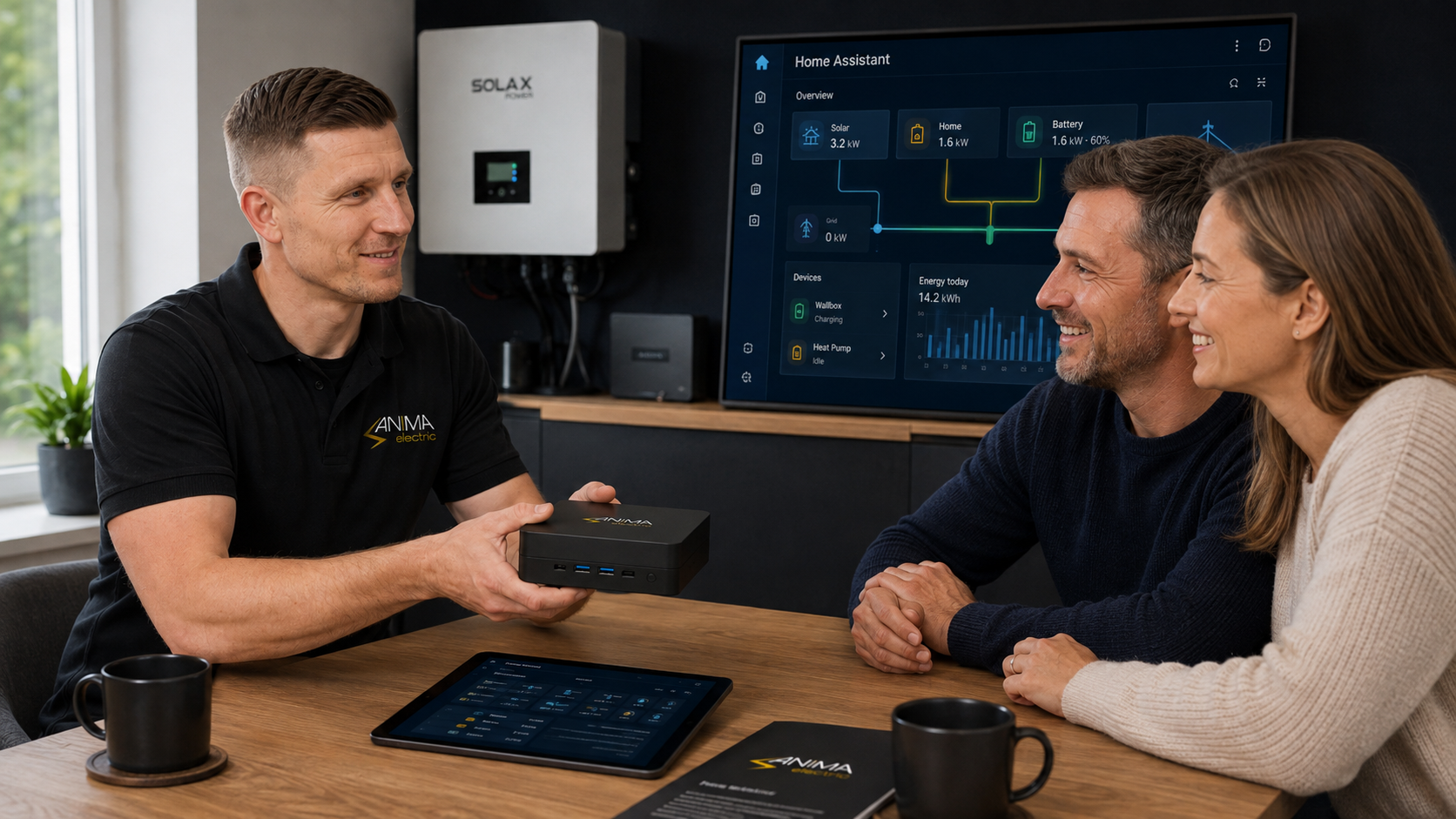
Consultation, solution selection, configured Home Assistant and a live dashboard demonstration.
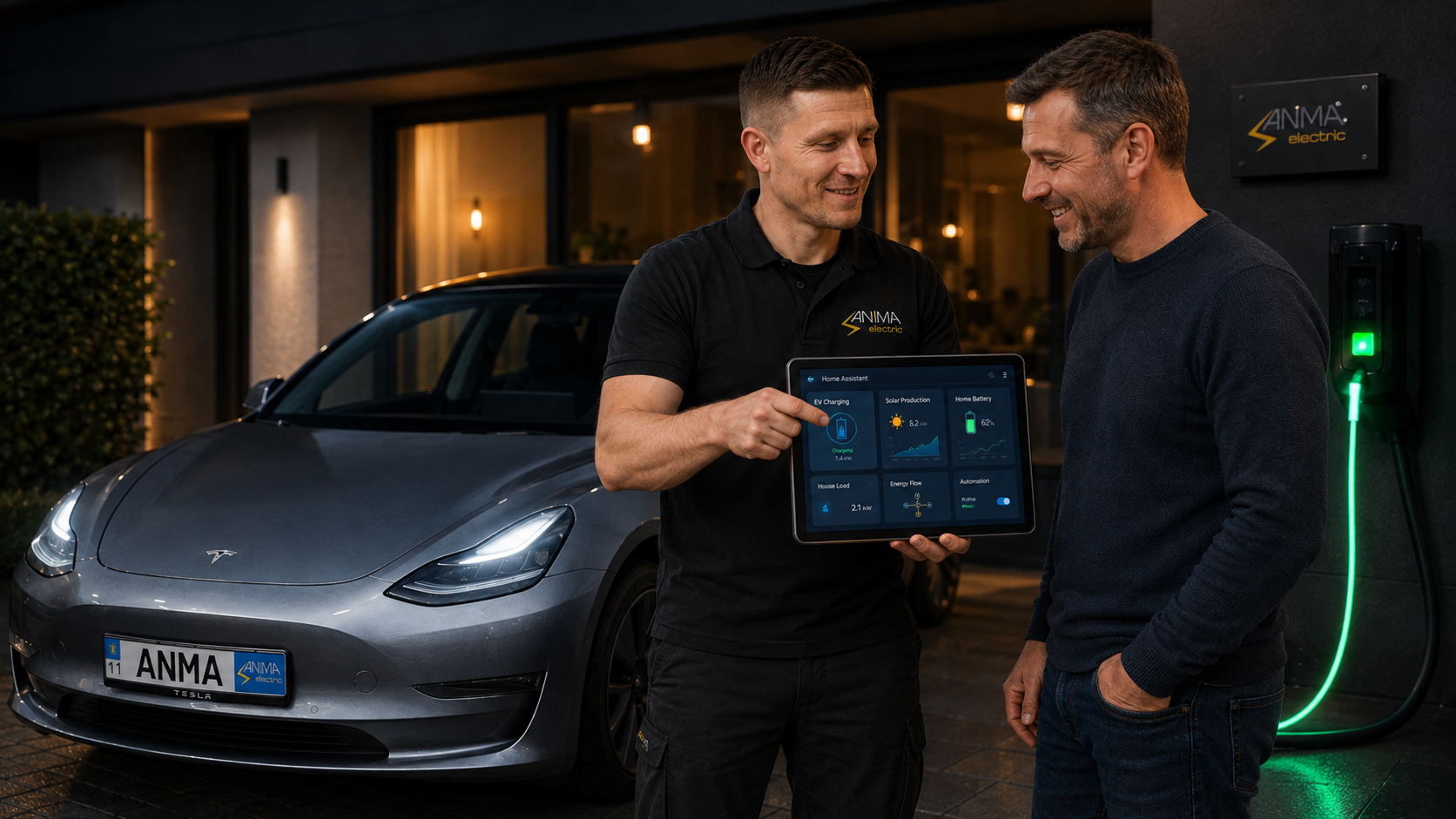
Automations, solar surplus, EV charging and a clear dashboard in one solution.
Only approved reviews are published after moderation.
“I already had Home Assistant running, but needed help with energy management and EV charging automation. Anton connected remotely, reviewed the existing setup, improved the dashboard and configured the automation logic. Everything is now much easier to monitor and control.”
“Потрібно було об’єднати в Home Assistant інвертор Deye, батарею та основні показники будинку. Антон підключився віддалено, налаштував сенсори, зробив зручний дашборд і перевірив роботу системи. Тепер генерацію, споживання, SOC батареї та мережу бачу в одному місці.”
Your review will appear after moderation.
Reviews of compact computers, Ubuntu and Docker installation, Home Assistant, HACS and preparation of a complete smart-home server.
Yes. The service is remote and can be provided worldwide when the required equipment is reachable through Home Assistant, the local network or supported interfaces.
It provides encrypted device-to-device access without exposing Home Assistant directly to the public internet. You stay in control of access.
Yes, when the device exposes usable data through Home Assistant, Modbus, MQTT, a local API or another supported integration.
No. It is the top standard package for advanced automation. Large multi-inverter or industrial systems are reviewed and quoted separately.
Describe the equipment and the result you want. The request is saved in the site and immediately forwarded to my Telegram bot.
Write directly in Telegram @ANMAelectricSend a short description of your system. I will confirm whether remote work is possible and which package matches the scope.